Have a Wireslate promotional coupon? Redeem it as a plan code from your organization settings. You’ll need to sign in and be an organization owner or admin.
1. Sign in to your Wireslate account#
Open Wireslate and sign in to the account where you manage the organization that should receive the coupon.
2. Open your organization settings#
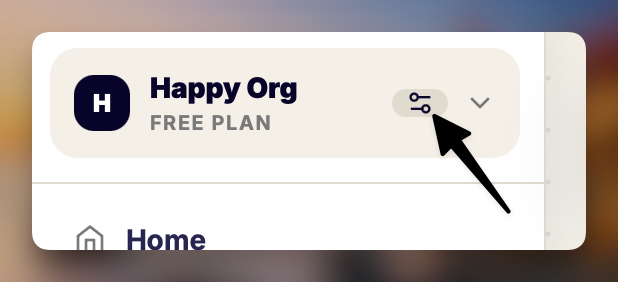
Click the settings icon next to your organization name to open its settings.
3. Choose Upgrade your plan#
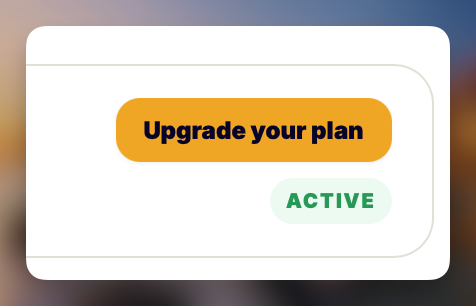
In the organization settings, select Upgrade your plan to open the plans page.
4. Redeem your plan code#
Scroll below the plan comparison table and select Have a plan code?.
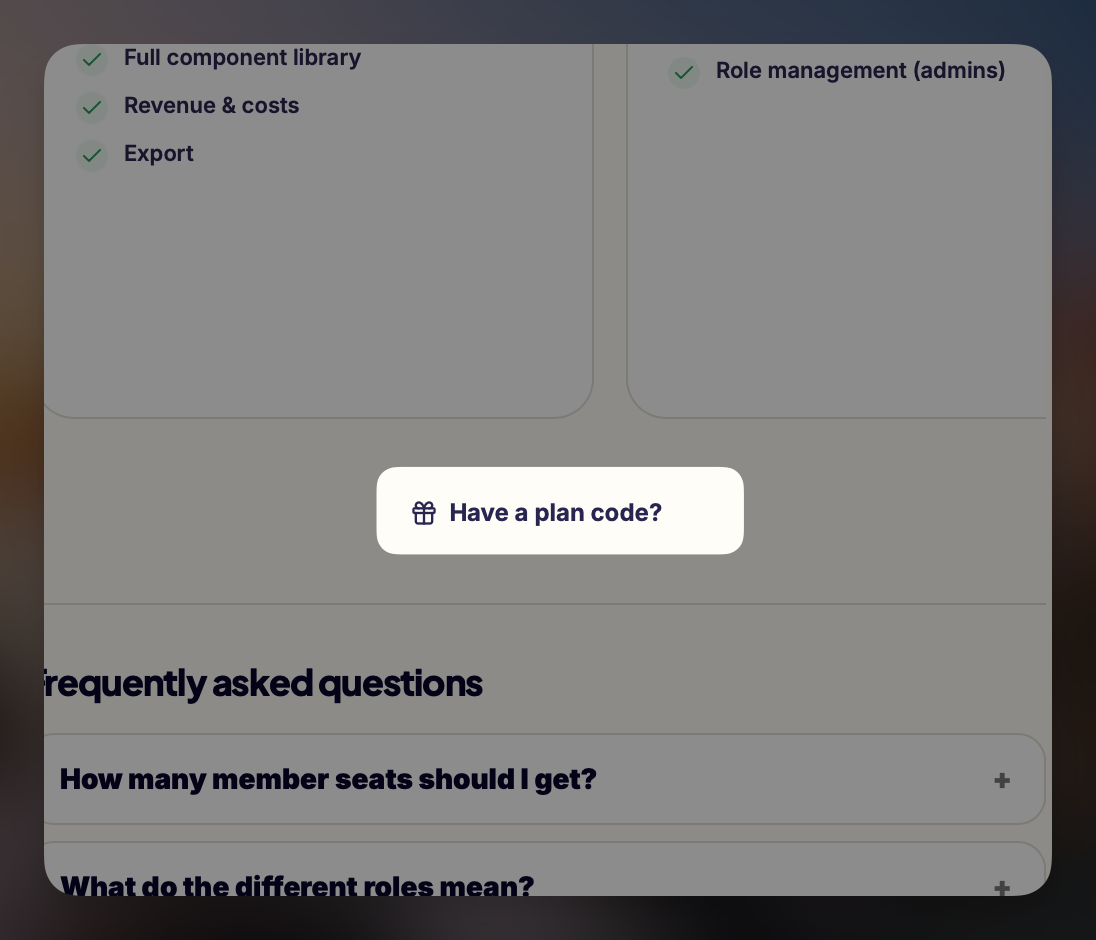
Enter your promotional coupon in the field, then select Redeem. Wireslate applies plan codes to an organization. If you don’t see the link, check that you’re in the right organization and have owner or admin access.